
Turn one site record into the reports each team needs
Generate bills of materials, floor plan PDFs, field data exports, and photo reports without rebuilding the same project details in separate files.
Built for security integrators who need proposal-ready outputs, cleaner handoff, and less manual report assembly.
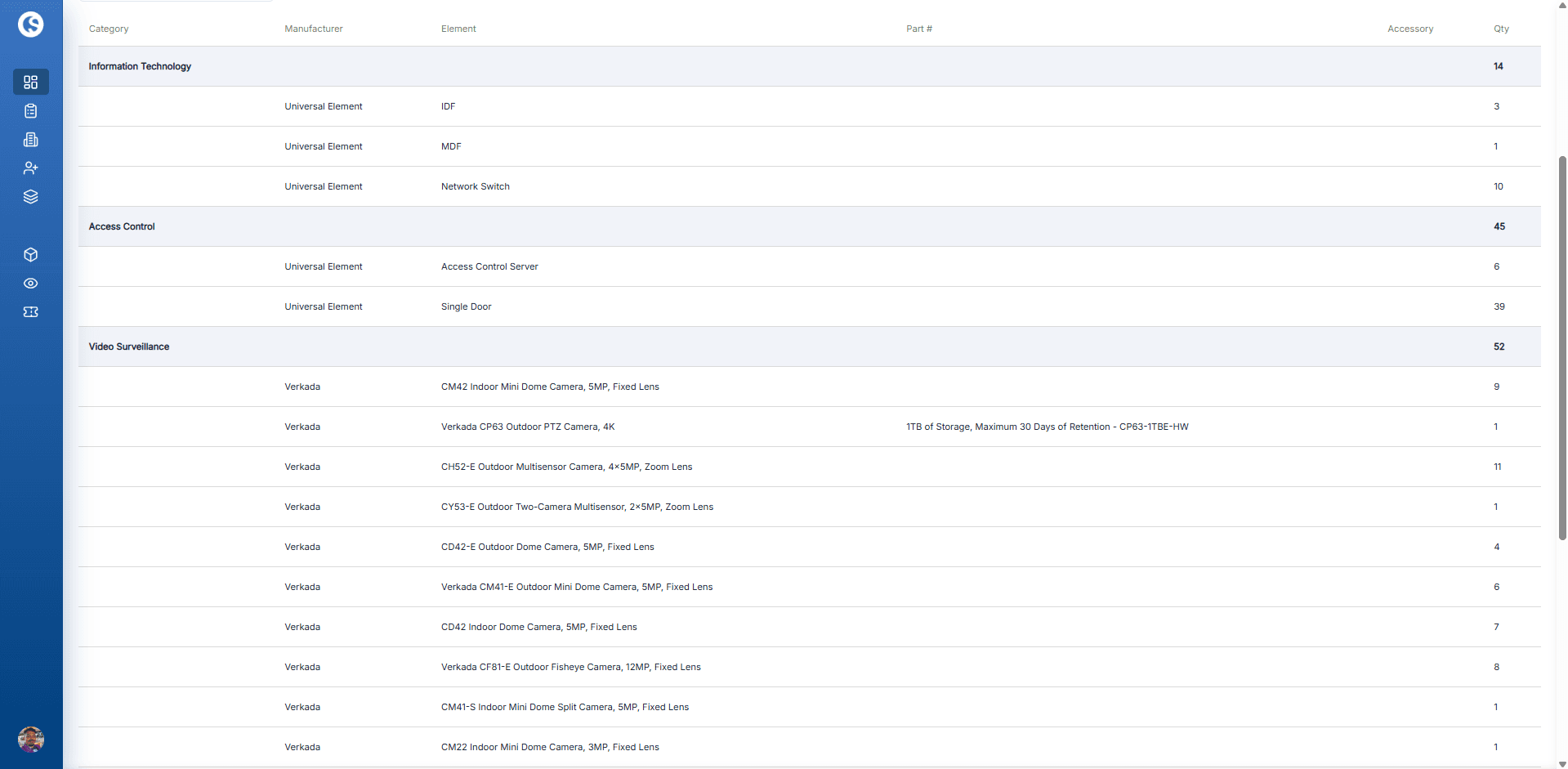
Guided builder
Build the report without rebuilding the job
OneSurvey walks the team through the report flow so the final output stays tied to the same project record used during survey, review, and handoff.
Step 1
Choose the report type
Start with the output you actually need: bill of materials, device details, field survey details, install handoff details, floor plan PDF, or photo report.
Step 2
Pick the right site inputs
Select the surveys, floor plans, device types, photos, or albums that belong in the export instead of dumping everything into one file.
Step 3
Set the details that shape the output
Name the report, choose the fields that matter, and optionally add a branded cover page before generating the file.
Step 4
Queue it and download when ready
Reports are generated server-side and saved back to the project so your team can download the finished file when processing is complete.
Audience fit
Match the output to the team that needs to act next
One survey record can support estimating, internal review, install planning, customer handoff, and future service as long as the export is shaped for the audience reading it.
Estimating and procurement
Use bills of materials and selected device data to give purchasing and estimating teams a clearer view of quantities, parts, and accessories.
Design review and approvals
Share floor plan PDFs and photo reports that make scope, site conditions, and visual context easier for reviewers to understand quickly.
Install handoff
Export install handoff details and field survey details so field teams get the device notes, status, and context they need before work begins.
Future service and reference
Keep generated reports tied to the project record so the same documentation stays useful for turnover, audits, and follow-up visits.
Workflow
Material summary
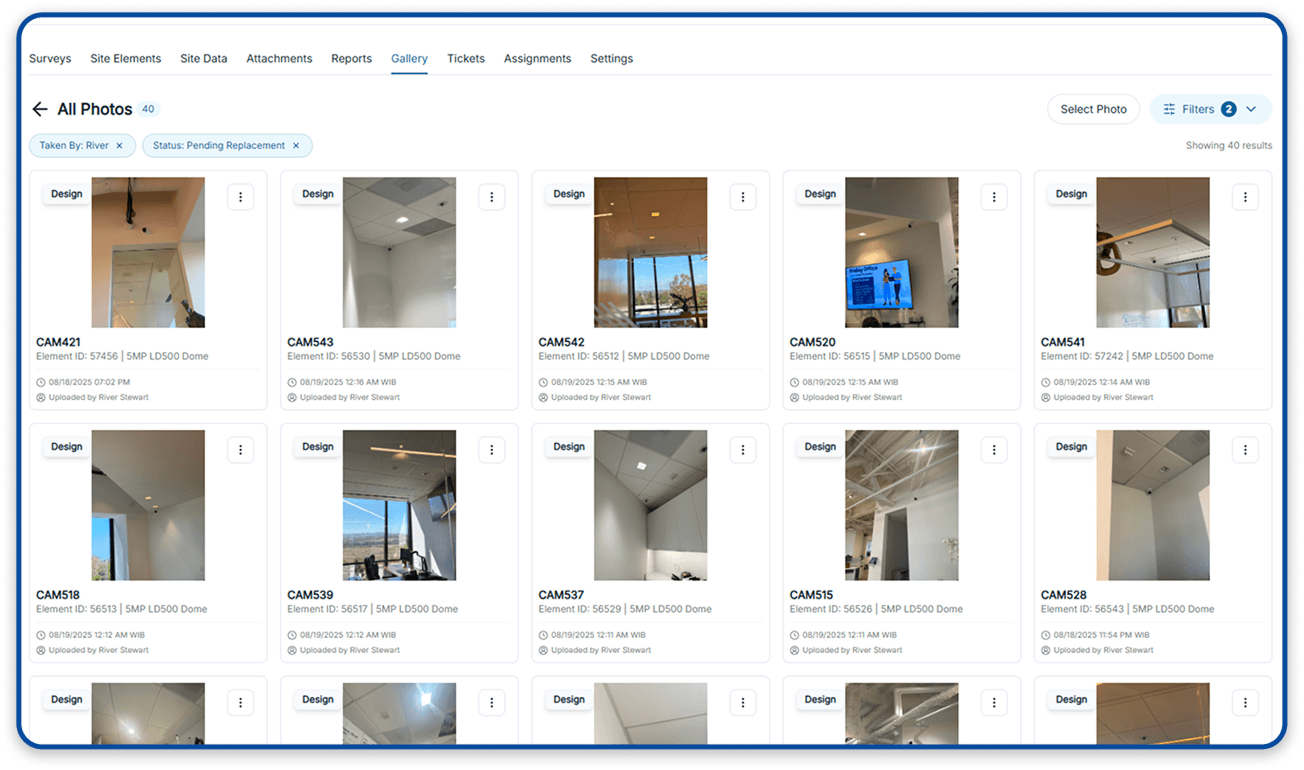
Workflow
Photo report preview
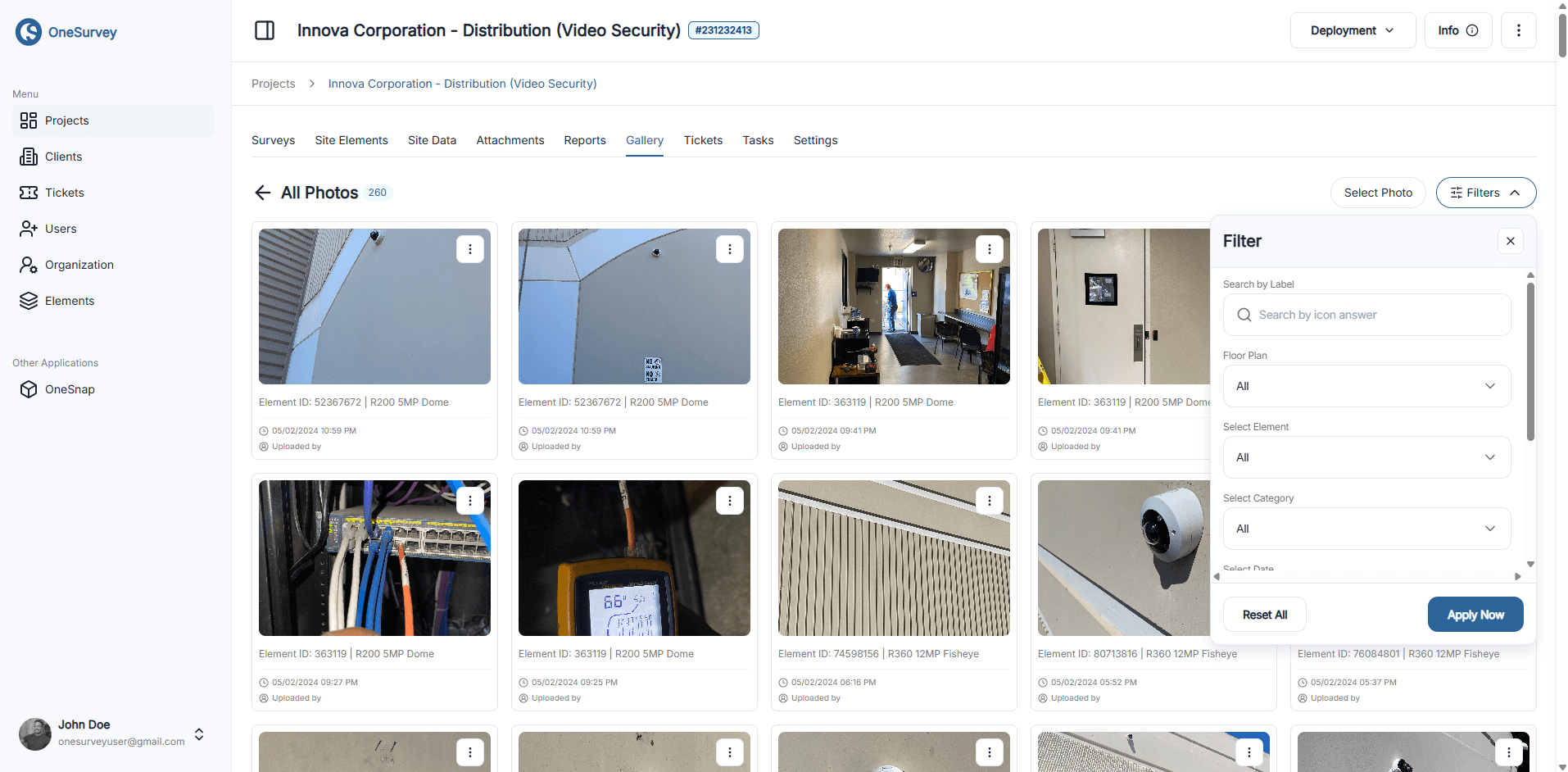
Workflow
Select supporting photos
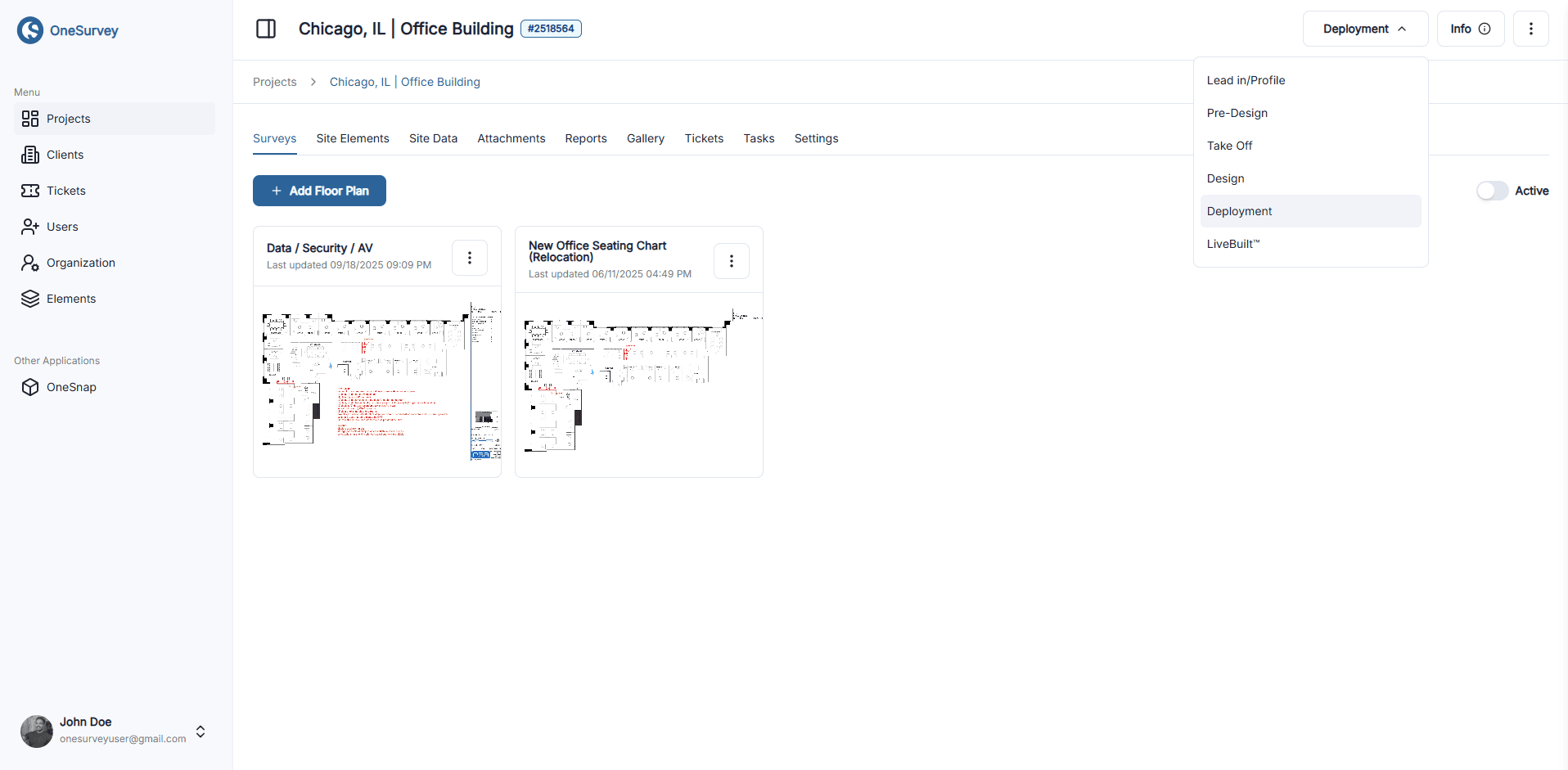
Workflow
Use the site context
Report types
Choose the output that fits the job
Different deliverables serve different decisions. Pick the report that helps the next person review scope, buy equipment, install cleanly, or approve the work.
Bill of Materials
Summarize device quantities, SKUs, part numbers, and accessories for procurement, scope review, and pricing conversations.
Device Details
Export the device fields that matter most, such as label, model, IP, MAC, accessories, and other device-level details.
Field Survey Details
Package survey fields, descriptive location, mounting details, and on-site notes for review and planning.
Install Handoff Details
Share installation status, access notes, assigned technician, timing, and other install-specific details in one report.
Floor Plan PDFs
Generate printable floor plan outputs with the placed devices rendered on the latest plan for internal review or customer handoff.
Photo Reports
Build photo-based PDFs from selected site images or albums so reviewers can follow visual evidence without digging through the gallery.
Share with confidence
See how OneSurvey handles reporting from proposal to handoff
Bring the reports you use today and we will show how OneSurvey can make them cleaner, faster to generate, and easier for each team to act on.
OneSurvey workflow
- Survey
Capture site conditions, element data, and field photos.
- Design
Place devices on scaled floorplans and review layouts.
- Report
Generate floorplan, photo, and bill of materials reports.
Floorplans
Site Photos
Reports